Installing Zoo Code
Zoo Code is a VS Code extension that brings AI-powered coding assistance directly to your editor. Install using one of these methods:
- VS Code Marketplace (Recommended) - fastest method for standard VS Code and Cursor users
- Open VSX Registry - for VS Code-compatible editors like VSCodium
VS Code Marketplace
- Open VS Code
- Access Extensions: Click the Extensions icon in the Activity Bar or press
Ctrl+Shift+X(Windows/Linux) orCmd+Shift+X(macOS) - Search for "Zoo Code"
- Select "Zoo Code" by ZooCodeOrg and click Install
- Reload VS Code if prompted
After installation, find the Zoo Code icon () in the Activity Bar to open the Zoo Code panel.
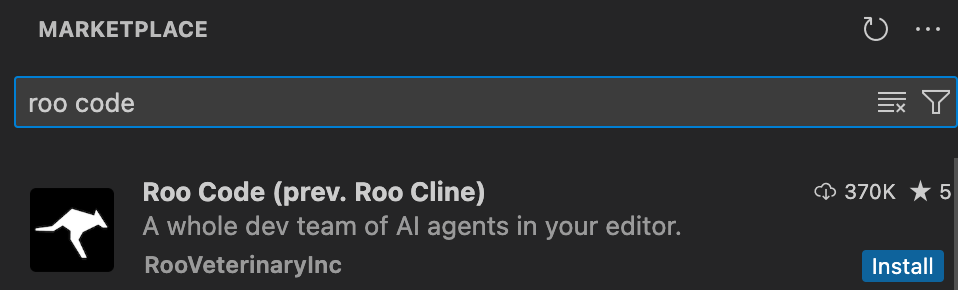
VS Code marketplace with Zoo Code extension ready to install
Open VSX Registry
For VS Code-compatible editors without Marketplace access (like VSCodium and Windsurf):
- Open your editor
- Access the Extensions view
- Search for "Zoo Code"
- Select "Zoo Code" by ZooCodeOrg and click Install
- Reload if prompted
Zoo Code Nightly
For information on installing the nightly prerelease build published on each merge to main, please see the Zoo Code Nightly guide in the Advanced Usage section.
Manual Installation from VSIX
If you prefer to download and install the VSIX file directly:
-
Download the VSIX file:
- Find official releases on the Zoo Code GitHub Releases page
- Download the
.vsixfile from the latest release
-
Install in VS Code:
- Open VS Code
- Access Extensions view
- Click the "..." menu in the Extensions view
- Select "Install from VSIX..."
- Browse to and select your downloaded
.vsixfile
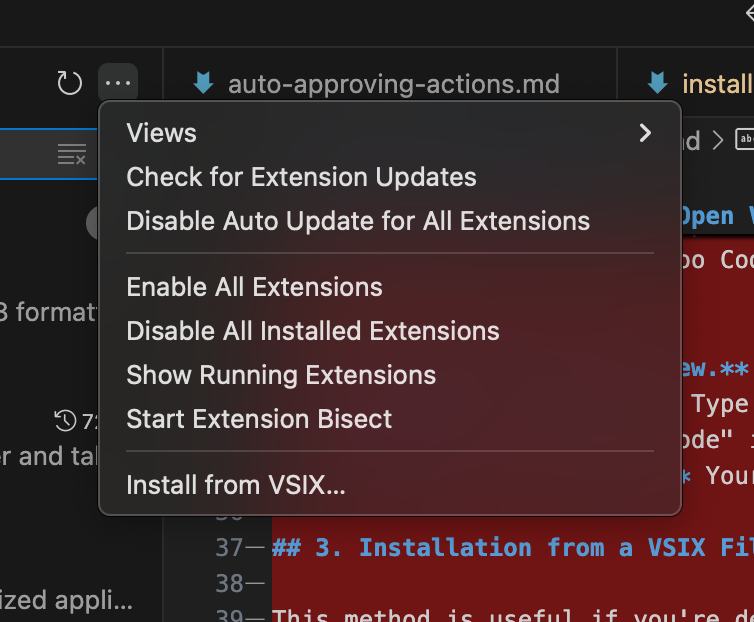
Installing Zoo Code using VS Code's "Install from VSIX" dialog
Local Setup & Development
For instructions on setting up Zoo Code for local development, building from source, or contributing, please see the Local Development Setup guide in the Advanced Usage section.
Troubleshooting
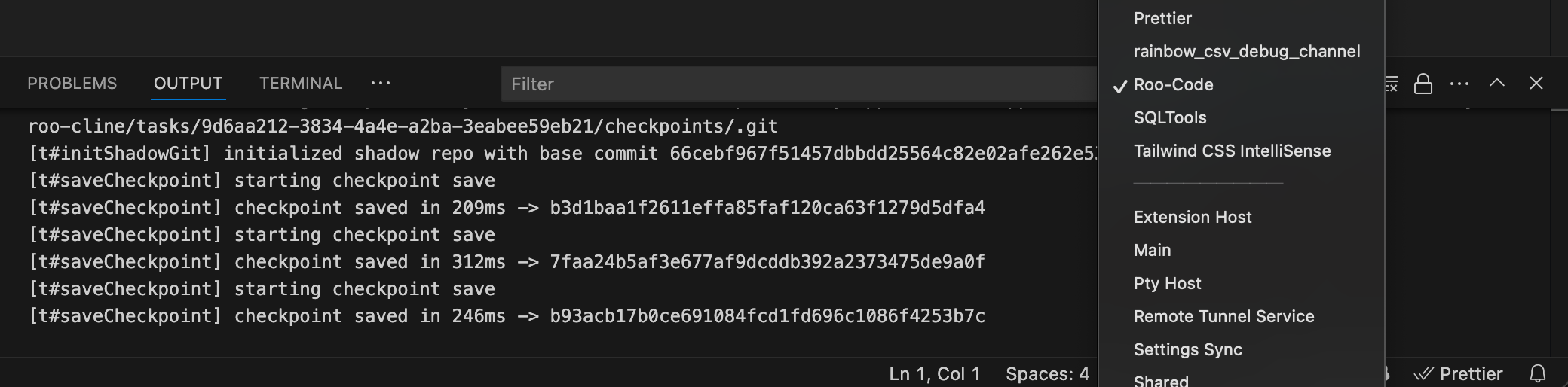
VS Code Output panel showing Zoo Code logs for troubleshooting
Extension Not Visible
- Restart VS Code
- Verify Zoo Code is listed and enabled in Extensions
- Try disabling and re-enabling
- Check Output panel for errors (View → Output, select "Zoo Code")
Installation Problems
- Ensure stable internet connection
- Verify VS Code version 1.84.0 or later
- If VS Code Marketplace is inaccessible, try the Open VSX Registry method
Getting Support
If you encounter issues not covered here:
- Join our Discord community for real-time support
- Submit issues on GitHub
- Visit our Reddit community